
New to SELMA? You should watch this video to get a basic overview on how things work with SELMA in New Zealand 🙂
1SELMA 101
Working with Grids
Grids are used often within SELMA and provides a functional, practical way of displaying large batches of information. Below is an example of the Curriculum Grid (Curriculum > Manage Curriculum) and a breakdown of its navigational capabilities – Search “Search” is the fastest way to find specific records and will produce results that match your …
SELMA Layout
SELMA’s layout is streamlined and easy to navigate. The tabs at the top of the homepage have been set-up to resemble the order in which you will interact with SELMA. They have also been structured to ensure that each section has to be set-up correctly in order for the next to become accessible/functional – Dashboard …
SELMA Dashboards & Quick Access
Main Dashboard This is SELMA’s main (standard) dashboard which displays key performance indicators specific to your education provider. This dashboard can be personalised. Tutor Dashboard SELMA users with tutor level access will see the following on their dashboard: The tutor dashboard displays the following information: Student Information: Number of domestic and international students related to …
How to Log In/Off
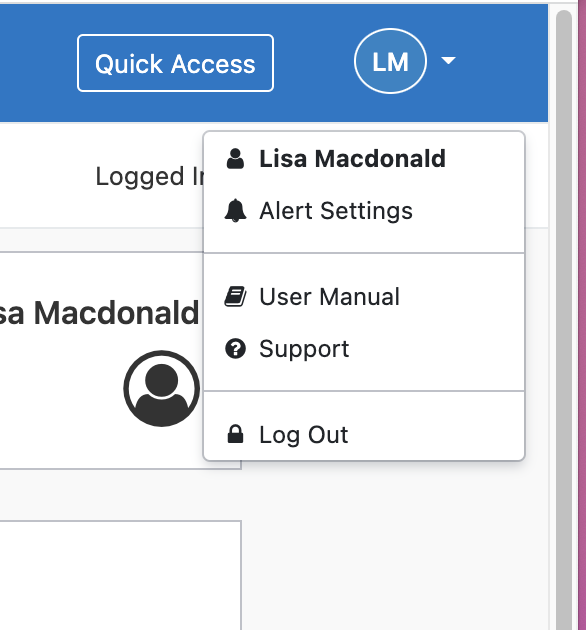
Logging In Bookmark your login URL, which is unique to your education provider. https:// [your company name].selma.co.nz/ There are three ways to log in to SELMA – Enter your username and password Sign in with a Microsoft account – to be enabled by SELMA support team Sign in with a Google account – to be enabled …
SELMA Helpdesk
We’re here to help! Submit a ticket to our via our helpdesk and our team will get back to you.