
SELMA Helpdesk

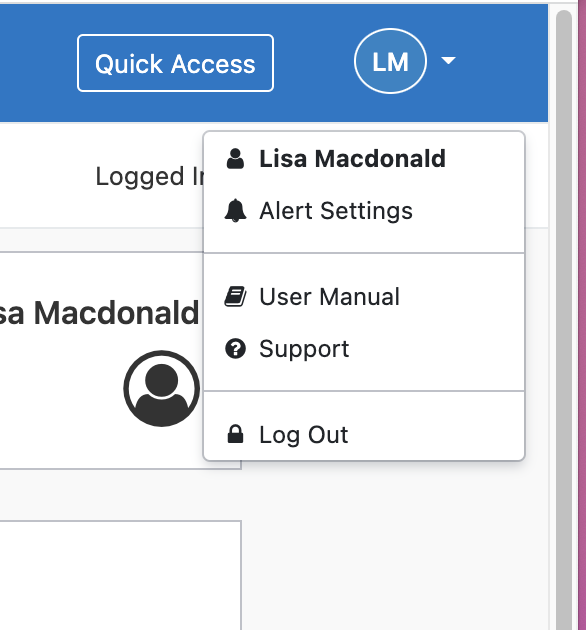
For assistance with your queries, please submit a support ticket via our helpdesk. You can access the SELMA helpdesk by clicking ‘Support’ on the first page of your SELMA dashboard- 
Please complete the form by providing as much detail as possible. We will assign the ticket and someone will get back to you within 24hours.

If you create a lot of tickets with us, there is an option available within the helpdesk system to logon as a user and interact directly with your tickets. You will also be able to monitor and manage your tickets as they all sit on one dashboard. Please contact us on support@selma.co.nz, mention that you would like to be sent your helpdesk ‘Activation Email’ and we will guide you through the process.

Related Articles

Working with Grids

Grids are used often within SELMA and provides a functional, practical way of displaying large batches of information. Below is an example of the Curriculum Grid (Curriculum > Manage Curriculum) and a breakdown of its navigational capabilities – Search “Search” is the fastest way to find specific records and will produce results that match your …

SELMA Layout

SELMA’s layout is streamlined and easy to navigate. The tabs at the top of the homepage have been set-up to resemble the order in which you will interact with SELMA. They have also been structured to ensure that each section has to be set-up correctly in order for the next to become accessible/functional – Dashboard …